What you get
- 12 commented .gs script files
- Invoice PDFs, mail merge, form auto-reply
- Daily backups, task archiving, due-date reminders
- CSV import, calendar events, Docs from templates
- Discord/Slack alerts, quick-add sidebar, exchange-rate log
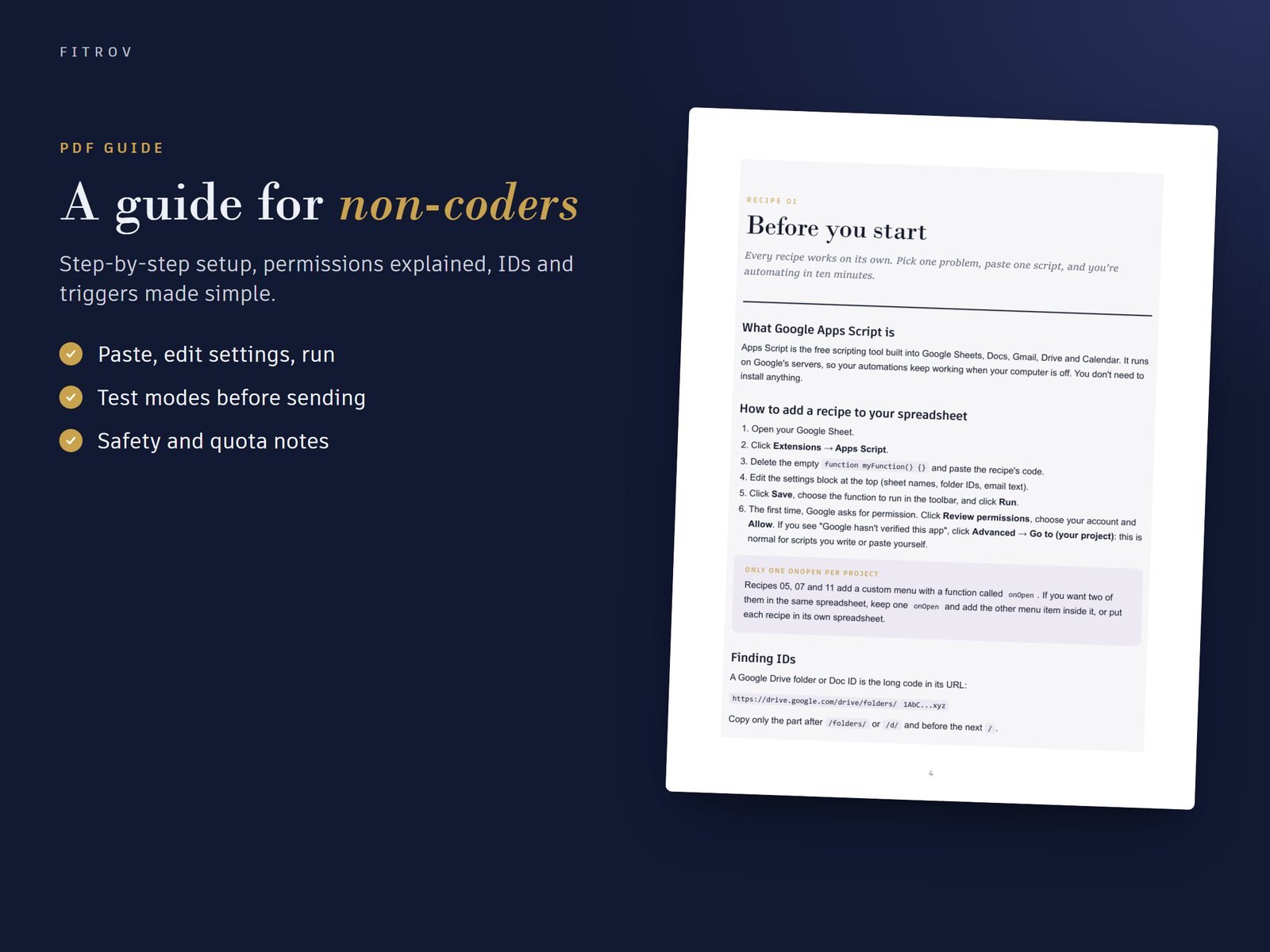
- 22-page setup guide for non-coders
In the download
READ-ME-FIRST.txt424 B
Sheets-Automation-Kit_Guide.pdf372 KB
Sheets-Automation-Kit_Scripts.zip13 KB
About this product
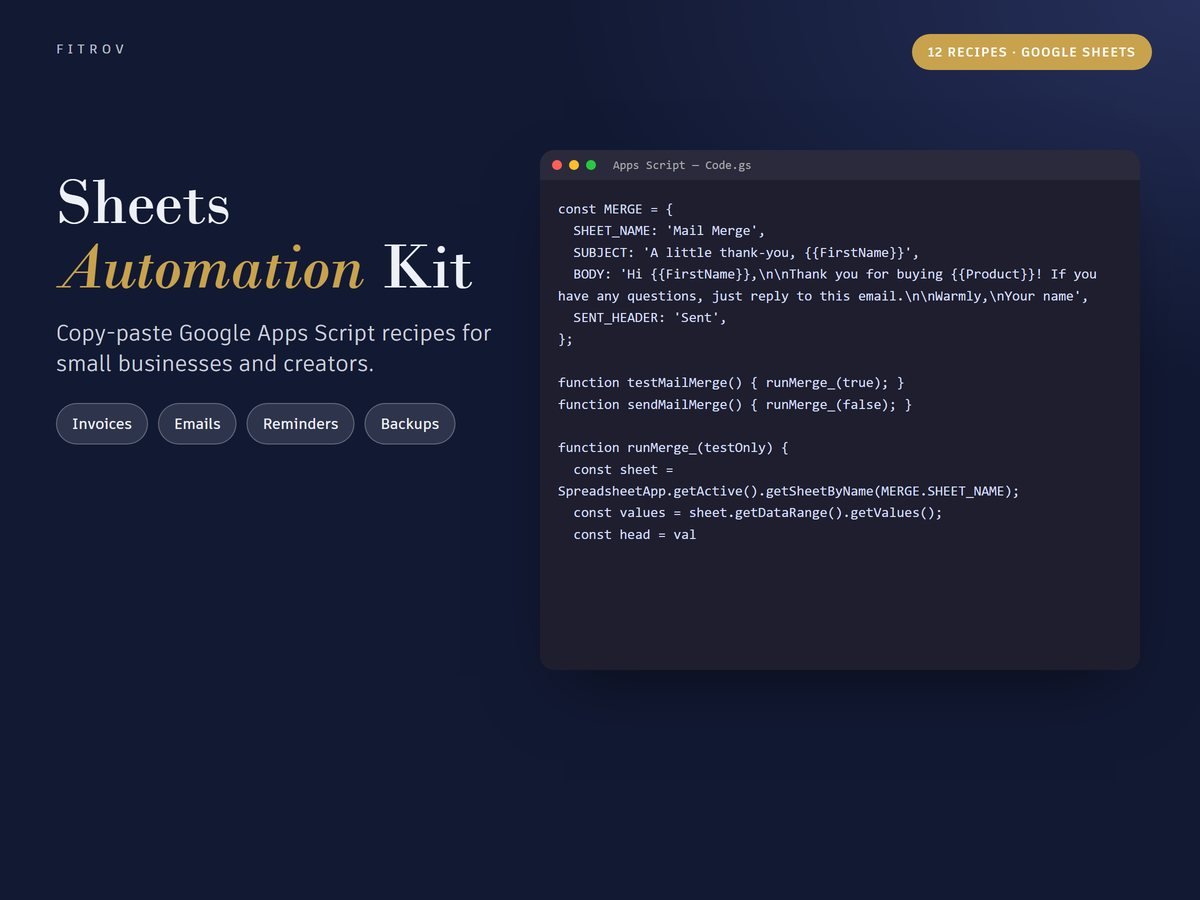
Twelve copy-paste Google Apps Script recipes: invoice PDFs, Gmail mail merge, form auto-replies, backups, reminders, CSV import, calendar events, Docs from templates and team alerts.
Stop doing it by hand
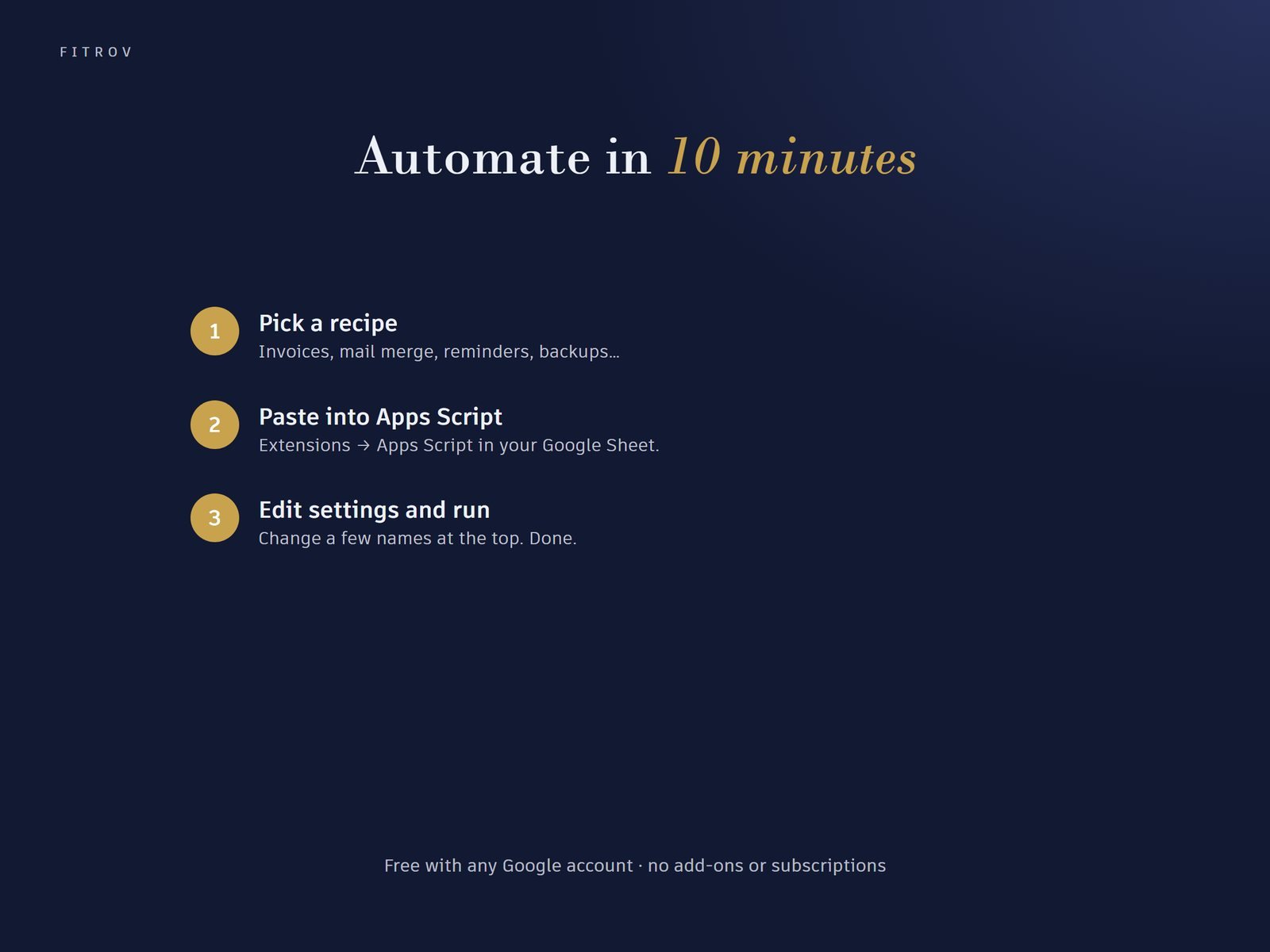
Each recipe solves one repetitive job that small businesses and creators do every week. Paste it into Apps Script, change a few settings at the top, and run it.
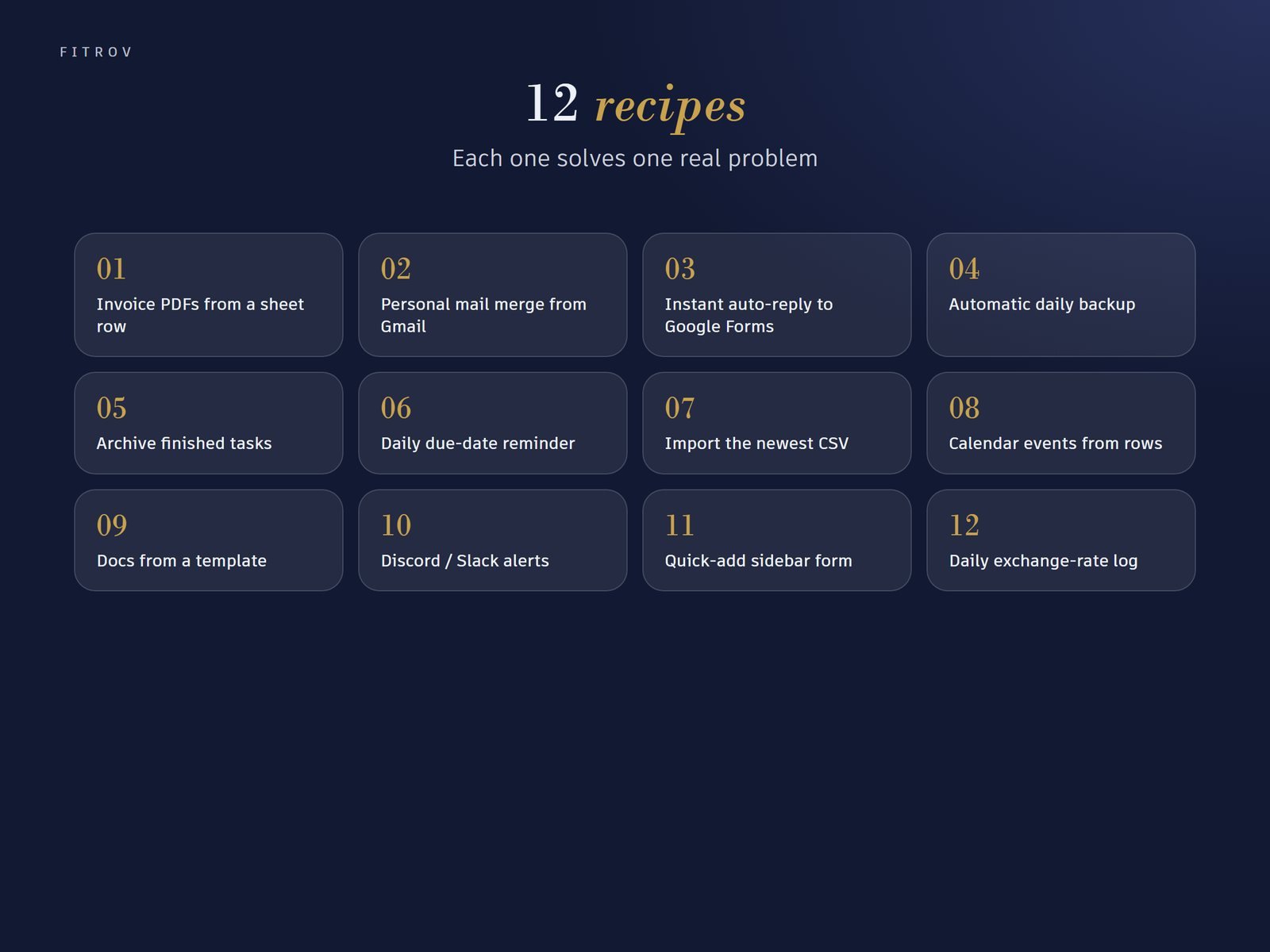
The 12 recipes
- Invoice PDFs from a sheet row
- Personal mail merge from Gmail
- Instant auto-reply to Google Forms
- Automatic daily backup
- Archive finished tasks
- Daily due-date reminder
- Import the newest CSV
- Calendar events from rows
- Docs from a template
- Discord / Slack alerts
- Quick-add sidebar form
- Daily exchange-rate log
Requirements
A Google account (free or Workspace). Some recipes use Gmail, Drive, Docs or Calendar and respect Google's daily quotas.
Questions
Do I need to know how to code?
No. The guide shows exactly where to paste, what to edit and how to approve permissions.
Is it safe?
The code is fully commented so you can see what it does. It runs only in your own Google account.
Does it work with Excel?
No, these are for Google Sheets.