What you get
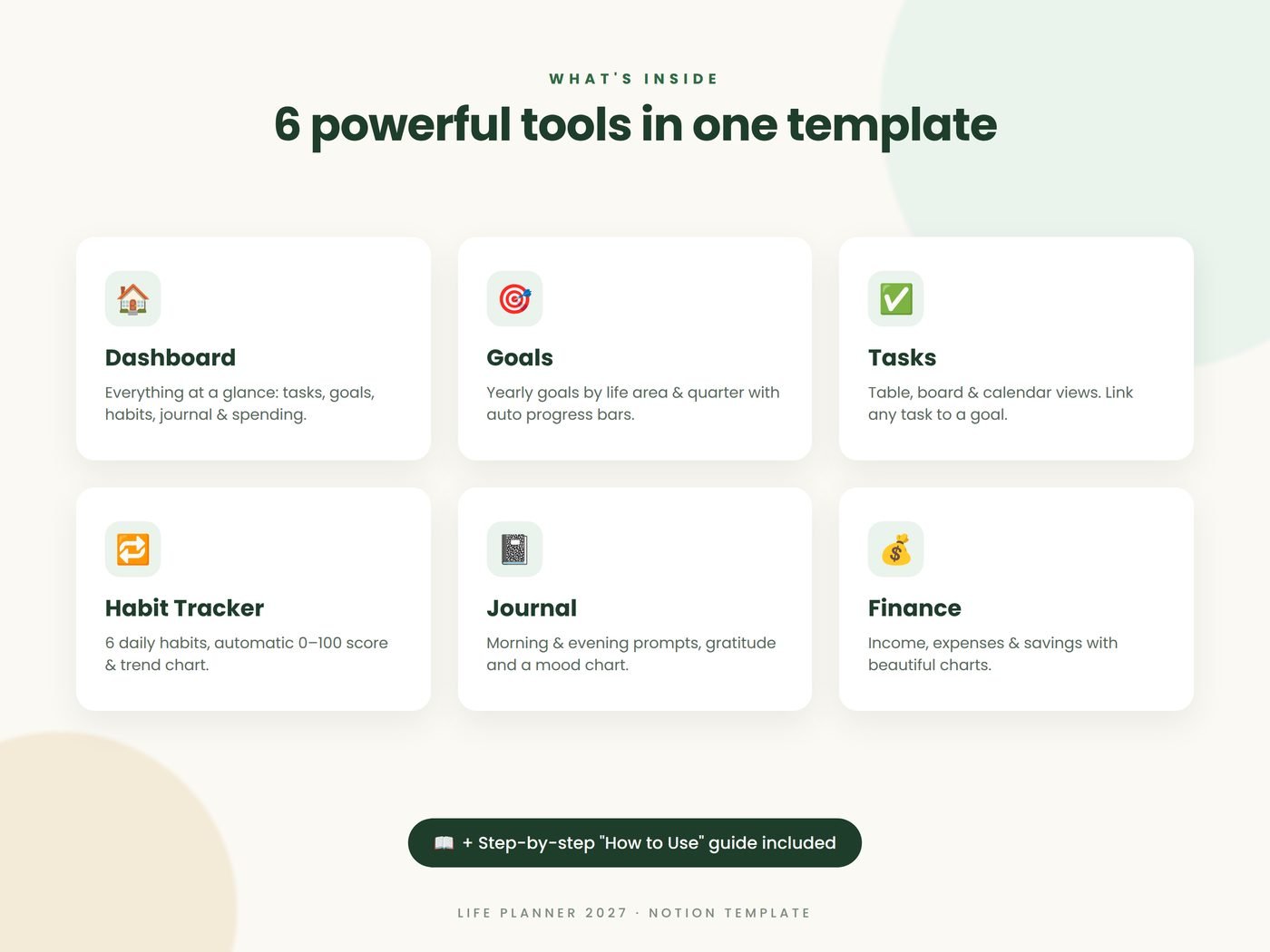
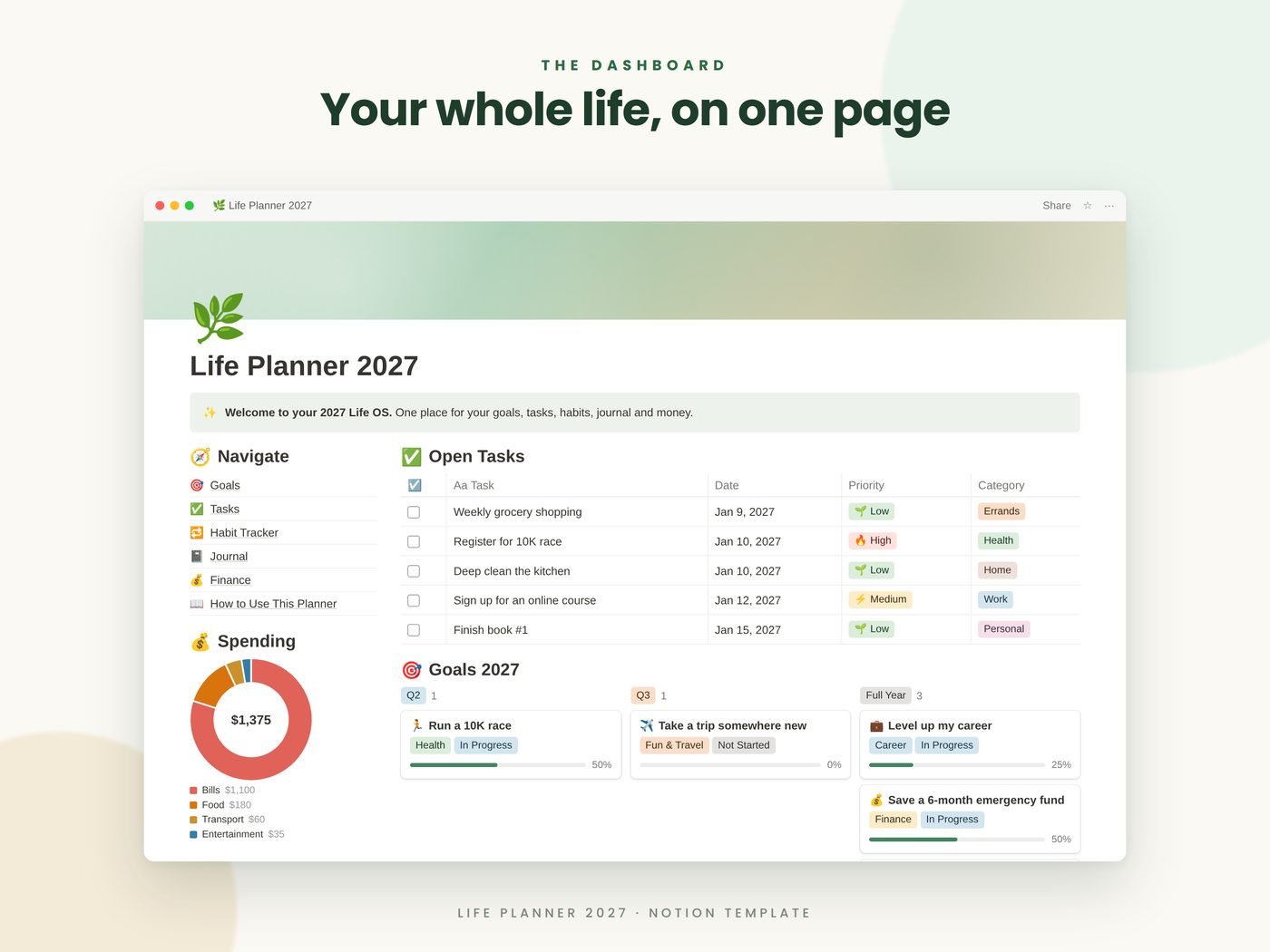
- Dashboard: tasks, goals, habits, journal and spending at a glance
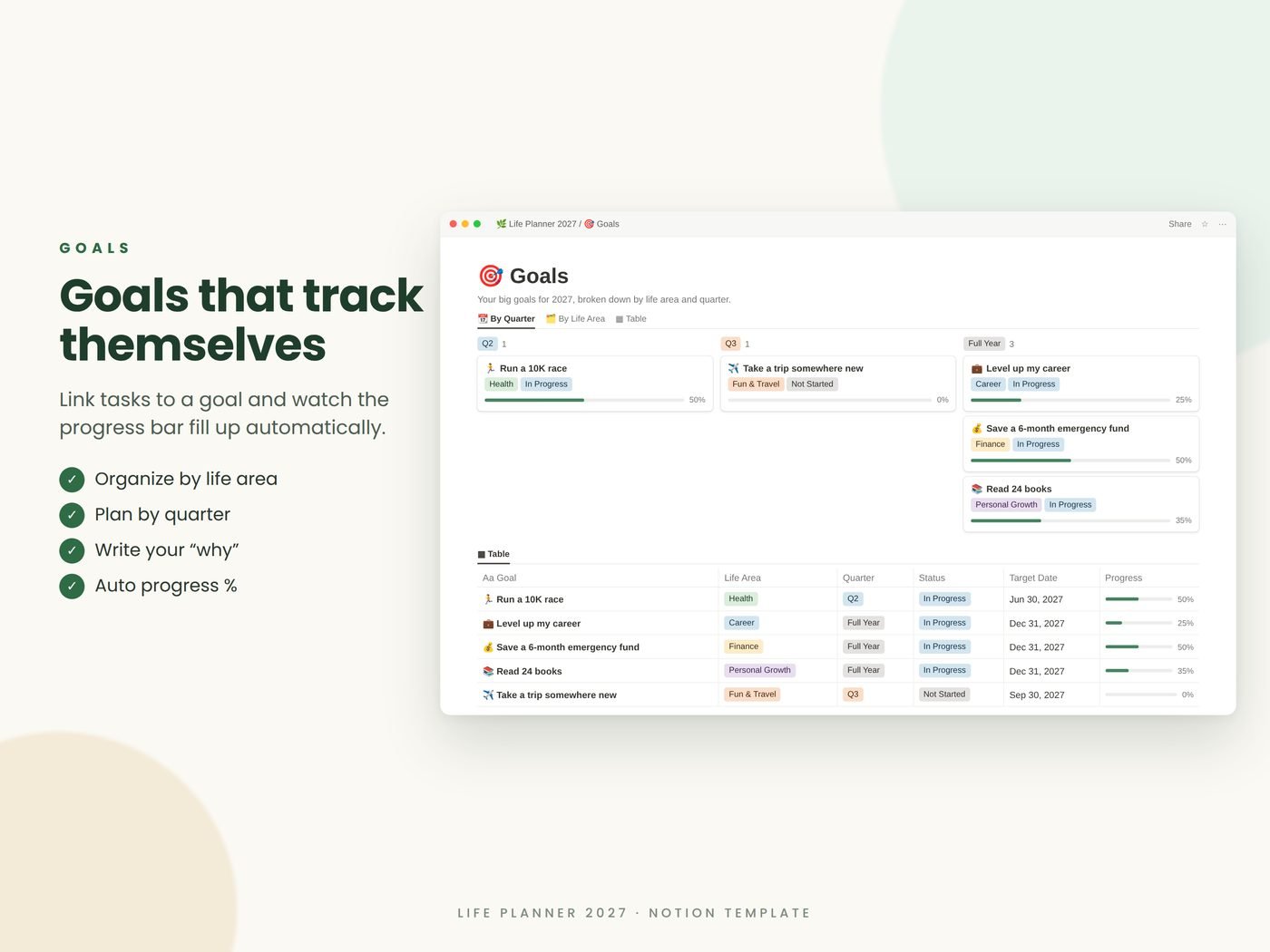
- Goals by life area and quarter with automatic progress %
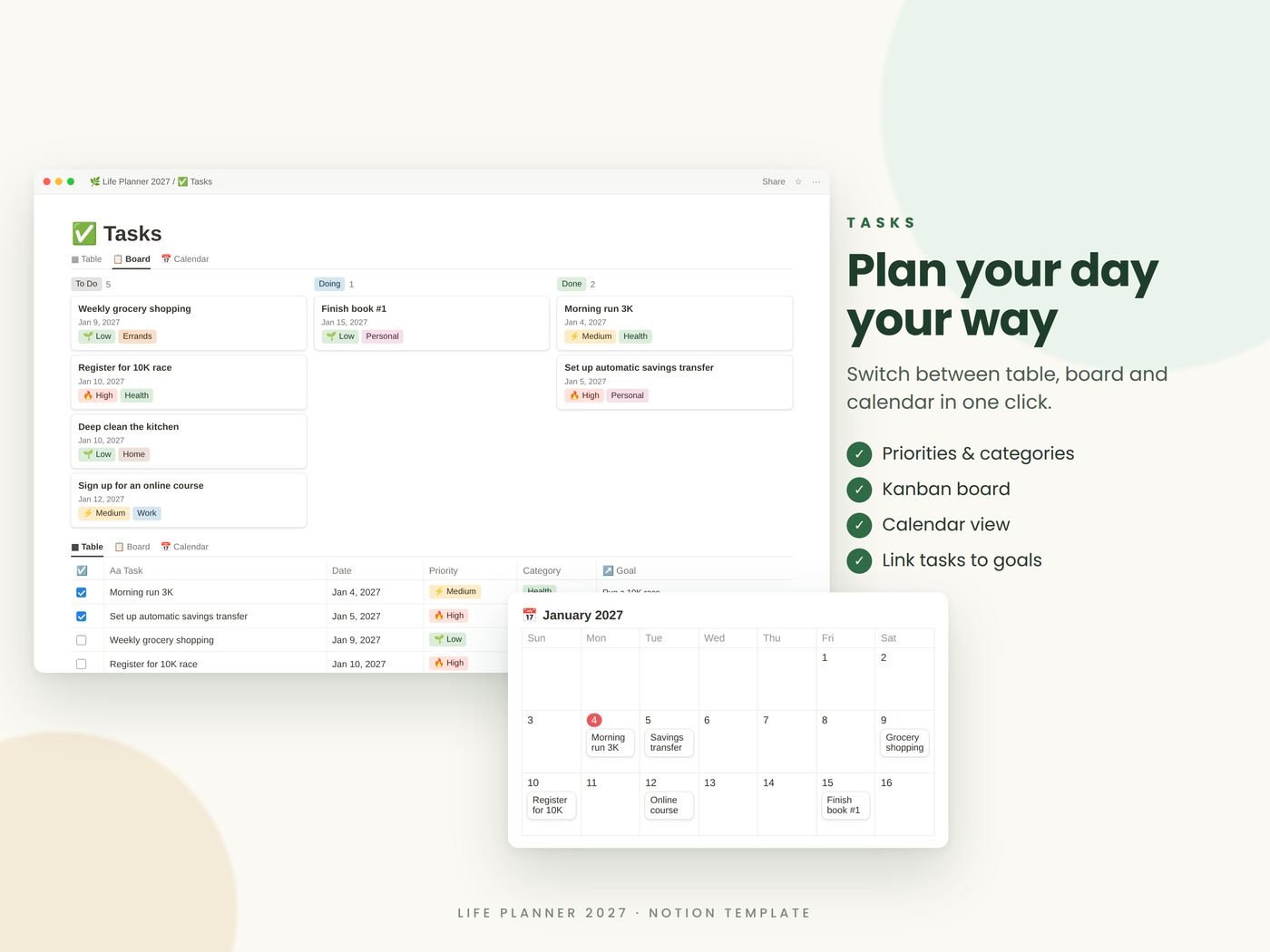
- Tasks in table, board and calendar views, linked to goals
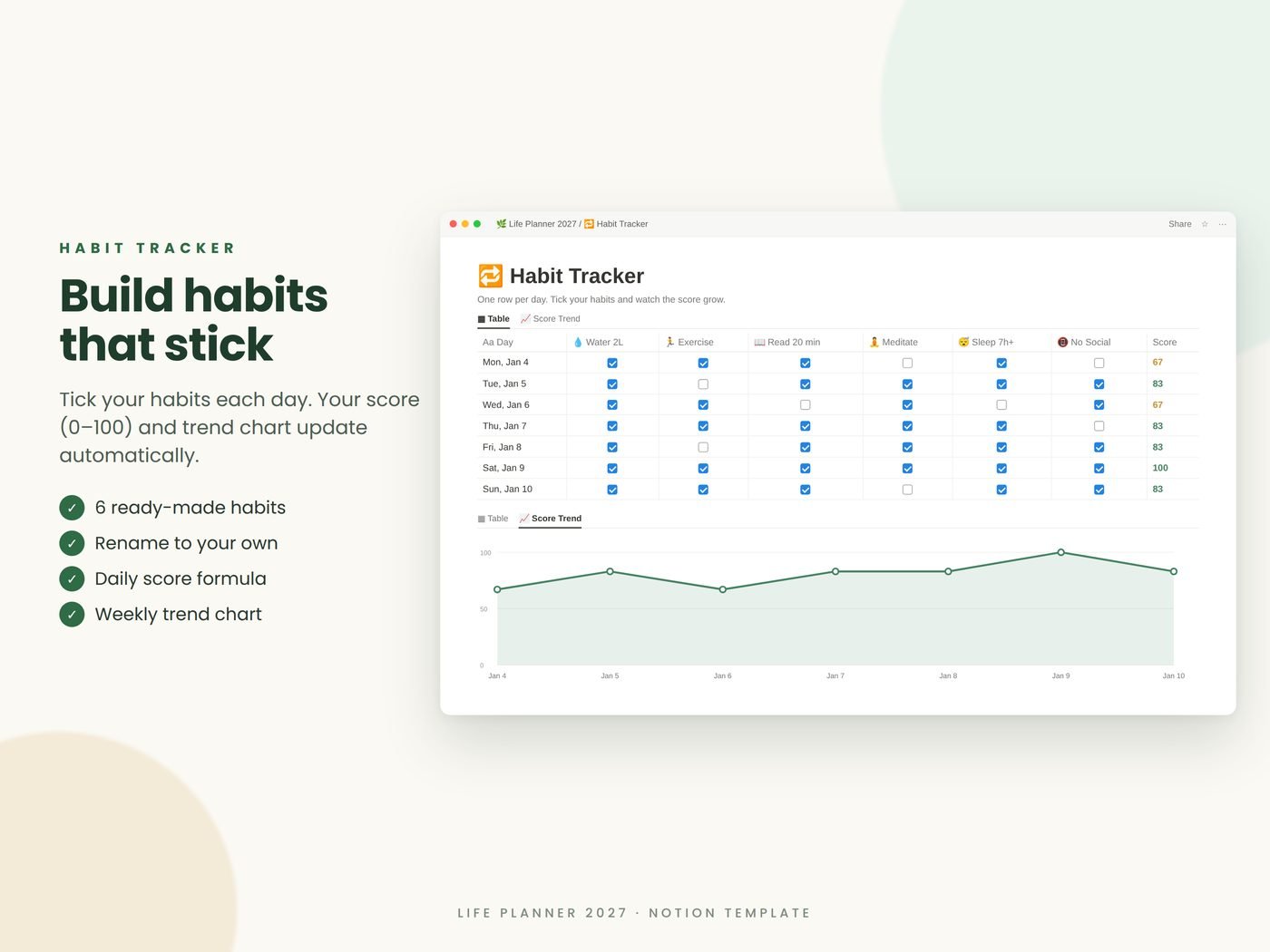
- Habit tracker for 6 daily habits with a 0–100 score and trend chart
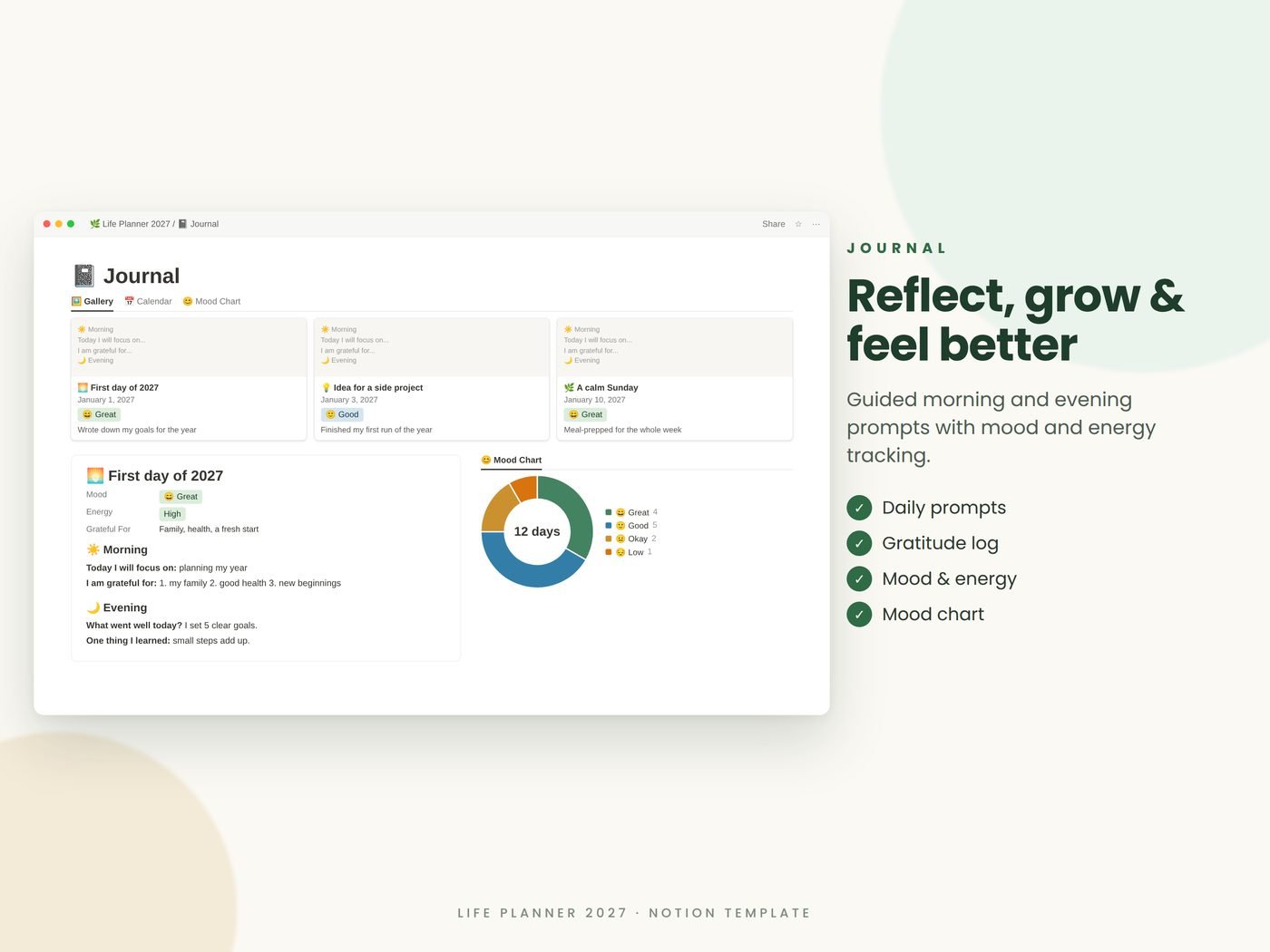
- Journal with morning & evening prompts, mood and energy chart
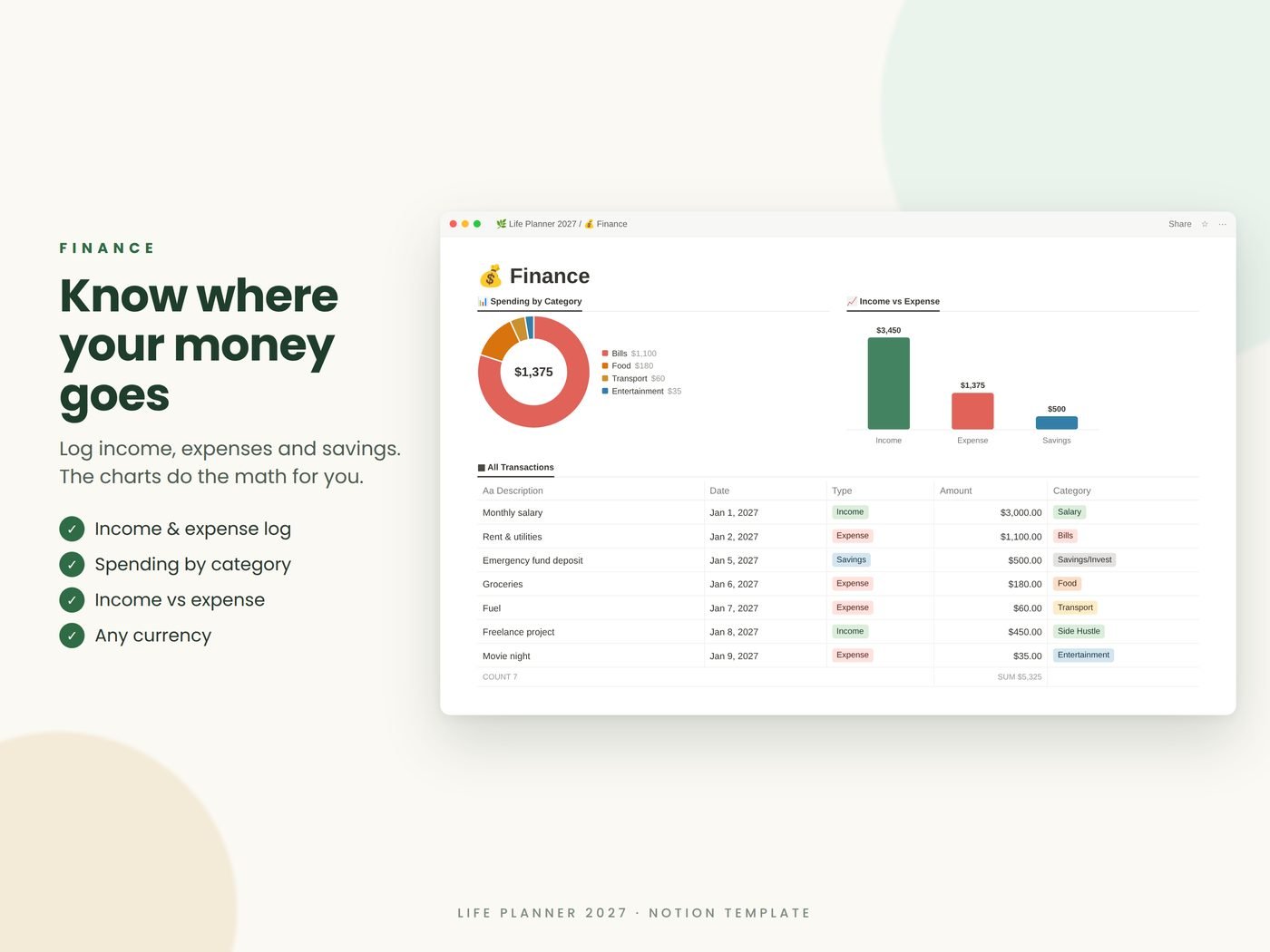
- Finance tracker with category and income-vs-expense charts + How-to guide
In the download
About this product
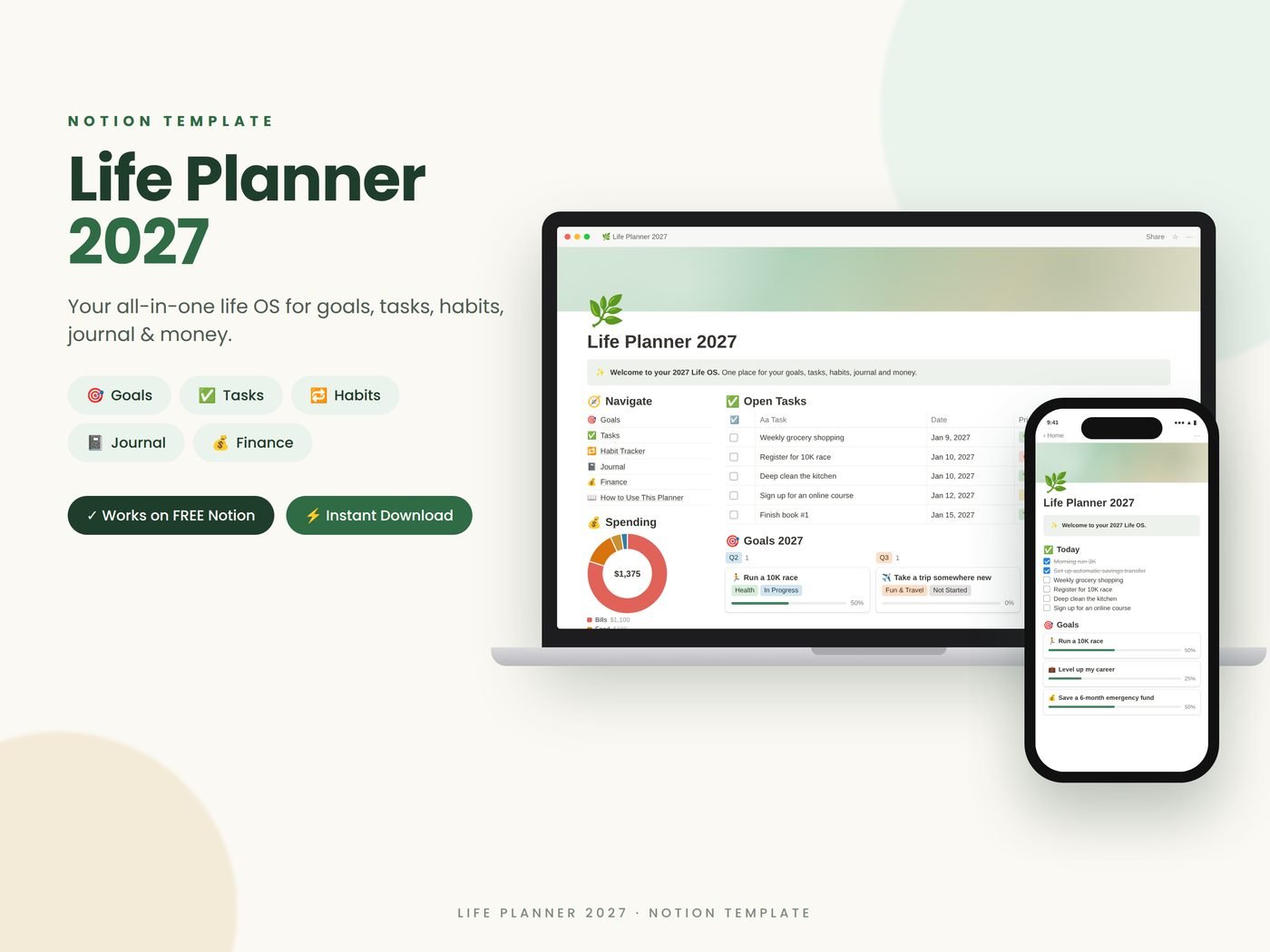
Goals, tasks, habits, journal and money in one Notion dashboard. Goal progress updates automatically as you finish linked tasks.
Stop juggling five apps
This Notion template brings goals, tasks, habits, journaling and money into one dashboard, so you spend less time planning and more time living.
Goals that track themselves
Link tasks to a goal and the progress bar fills up as you tick them off. Organize goals by life area and quarter, and write down your why.
Works everywhere
Syncs across desktop, web, iPhone, iPad and Android. Works on the free Notion plan, and you can change the currency in two clicks.
How it works
- Buy and download the access PDF
- Click the link or scan the QR code
- Click Duplicate in Notion and the planner is in your workspace
🌿 LIFE PLANNER 2027 – YOUR ALL-IN-ONE NOTION LIFE OS
Stop juggling five different apps. This Notion template brings your goals, tasks, habits, journal and money into ONE beautiful dashboard, so you can plan less and live more in 2027.
✨ WHAT'S INCLUDED
🏠 Dashboard – see open tasks, goals, habits, journal and spending at a glance
🎯 Goals – set yearly goals by life area and quarter. Progress % updates AUTOMATICALLY as you complete linked tasks
✅ Tasks – table, board and calendar views. Link any task to a goal
🔁 Habit Tracker – 6 daily habits with an automatic 0–100 score and trend chart (fully renameable)
📓 Journal – morning & evening prompts, gratitude, mood and energy tracking, plus a mood chart
💰 Finance – track income, expenses and savings with spending-by-category and income-vs-expense charts
📖 Step-by-step "How to Use" guide + FAQ
💡 WHY YOU'LL LOVE IT
✔ Works on the FREE Notion plan
✔ Syncs across desktop, web, iPhone, iPad & Android
✔ Pre-filled with examples so you learn in minutes
✔ Fully customizable – change icons, colors, habits and categories
✔ Not locked to 2027 – reuse it year after year
✔ Change currency to your own in 2 clicks
📥 HOW IT WORKS
1. Purchase and download the PDF
2. Click the link (or scan the QR code) inside the PDF
3. Click "Duplicate" in Notion – it's now in your workspace!
⚠️ PLEASE NOTE
- This is a DIGITAL product. No physical item will be shipped
- You need a Notion account (free at notion.so)
- Notion is a trademark of Notion Labs, Inc. This template is not affiliated with Notion
- For personal use only. Please do not resell or share the link
- Due to the nature of digital products, refunds are not available, but message me anytime and I'll gladly help!
💬 Questions? Send me a message – I usually reply within 24 hours.
⭐ If you love your planner, a review would mean the world to my small shop. Thank you!
Questions
Do I need a paid Notion plan?
No. It works on the free plan.
Is it only for 2027?
No. You can reuse it every year.
Can I customize it?
Yes: icons, colors, habits, categories and currency.